
Article Summarizer
It makes long content easier to understand by highlighting key ideas and leaving out what’s not important.
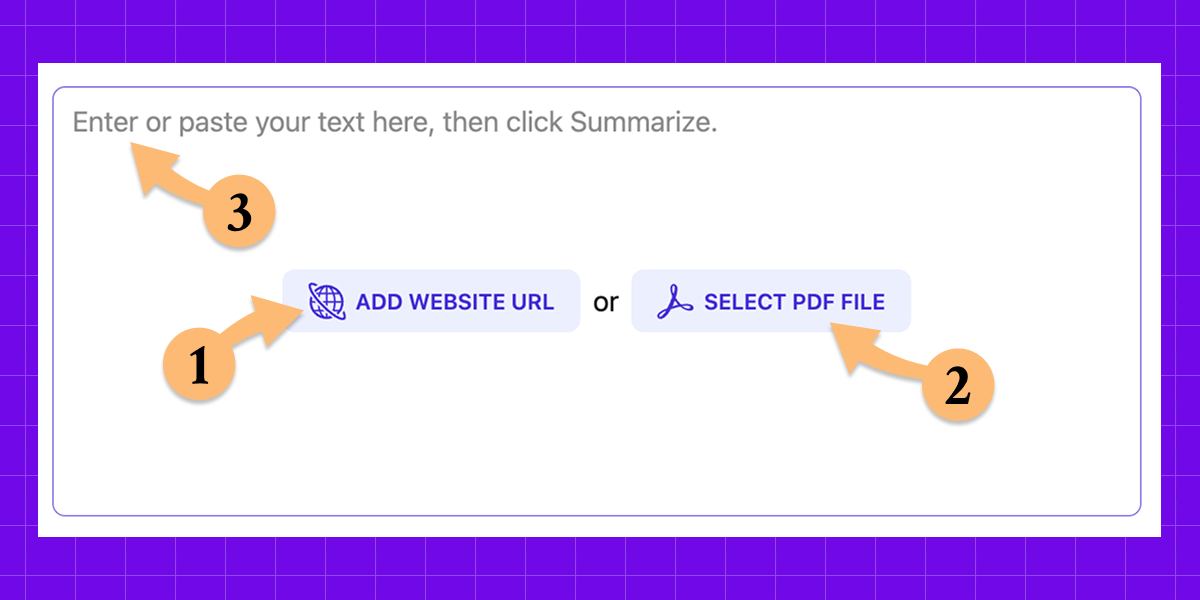
Works with:
- Articles
- Web pages
- Texts
- PDF documents
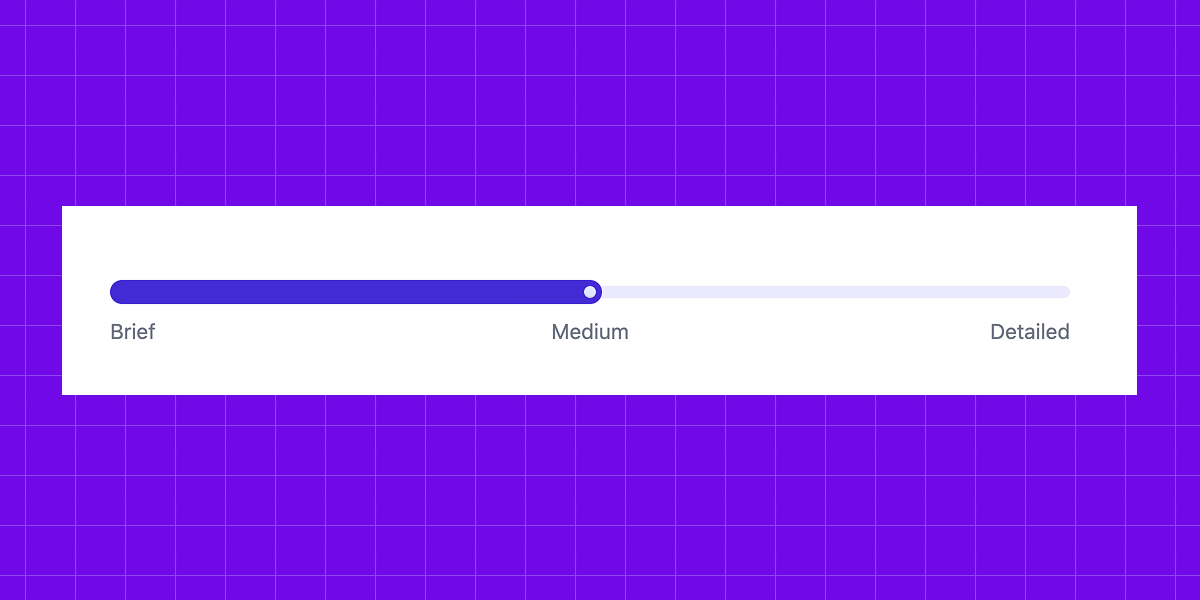
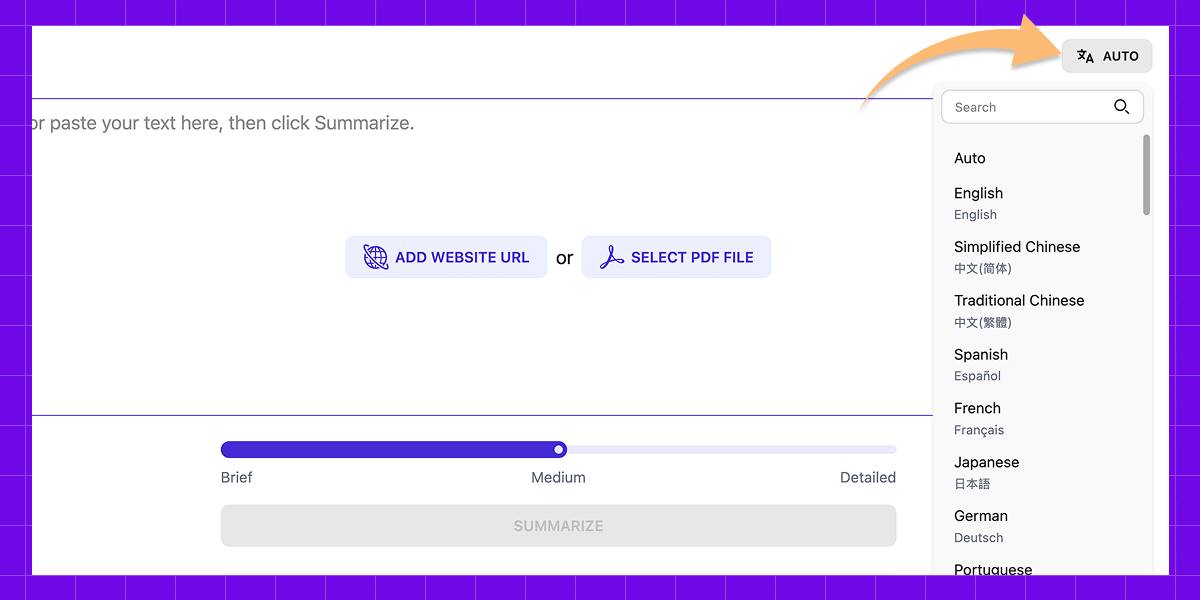
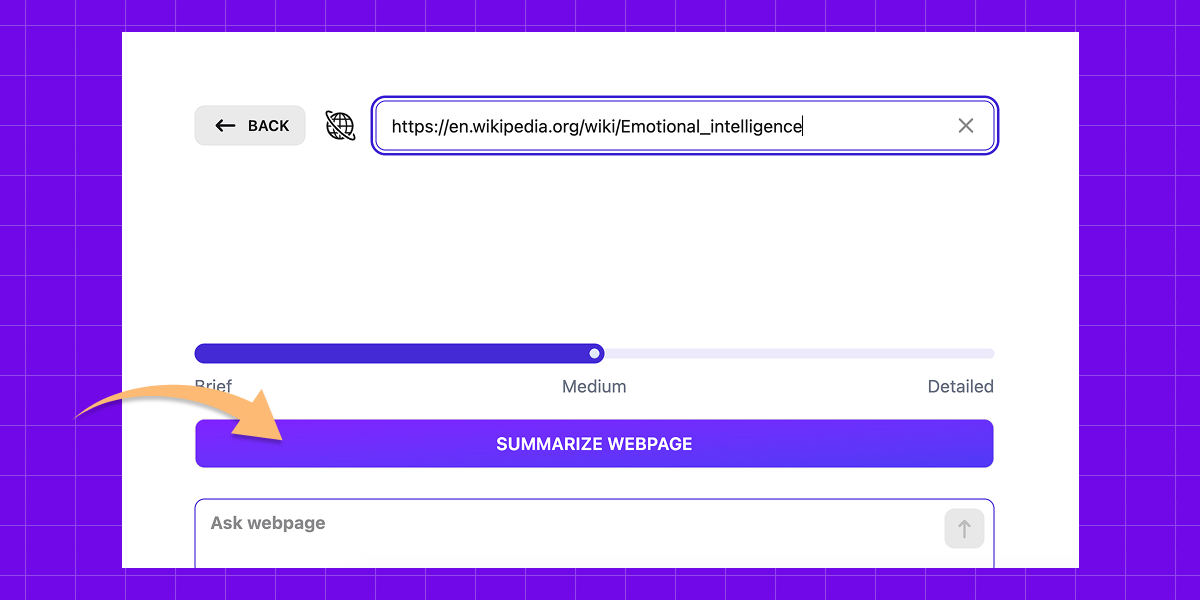
You can also choose how detailed the output should be – short, medium, or detailed – and even select the language for your summary.
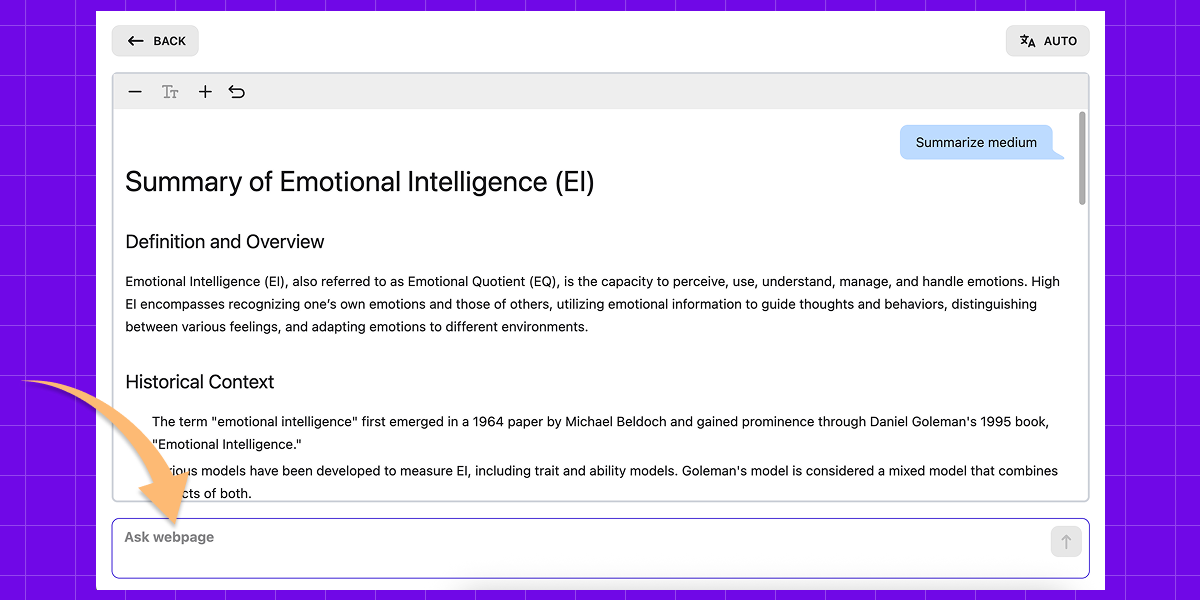
Another helpful feature is that you can ask questions about the content and get clear answers, so you don’t have to read the whole text.
How it works
The process is simple
What Article Summarizer can do
Smart, simple, and reliable
Why we built Article Summarizer
When Can Article Summarizer Help?
Who This Is For
How to Summarize Articles the Smart Way
Choose the right level of detail
Not every text needs a detailed version.
If you only need a quick understanding, a short version is enough. It helps you decide if it’s worth your time.
If you plan to use the information later, for example for work, study, or research, a more detailed version is usually a better choice. It gives you the context and key points you may need.
The goal is balance. Too short, and you lose important meaning. Too long, and you are almost reading the full text anyway.
Be clear about what you need
Before you summarize article, think about what you actually want from it. Are you looking for the main conclusion, the key ideas, or a few specific insights?
When your goal is clear, the result becomes much more useful and easier to work with. For example, you can ask focused questions like:
- What are the main takeaways?
- What does the author recommend?
- Are there any risks, limits, or important details?
- What should I remember from this text?
This way, you don’t just get a general overview. You get the information that is actually useful to you.
Double-check important details
An overview is great for getting the overall idea, but not always perfect when it comes to details.
If an article includes numbers, dates, names, or other important facts, it is always worth checking the original source, especially if you plan to use the information later. It only takes a moment and helps avoid mistakes.
We built our AI Article Summarizer to reduce these issues as much as possible, but like any AI tool, it can still make mistakes.
Think of it as a guide, not the final source.
Start with a summary, then go deeper
A smart way to work with any text is to start with a quick overview.
Read the article summary to understand the structure and main ideas. Then go back to the original text and focus only on the parts that matter most.
This approach saves time and keeps you focused. You get the key points first, without wasting time on everything else.
Advantages of Our AI Summarizer
We know there are plenty of summarizers out there, and most of them promise the same thing – to give you the key points. But let’s be honest: many of them are hard to use, don’t work very well, or take too long to process the text.
With Article Summarizer, we focused not just on accuracy and quality, but also on simplicity, convenience, and speed and that’s exactly what our users love most.
Give it a try, and we hope it helps you save time and enjoy the process!
User reviews of our AI Article Summarizer









FAQ
- What is Article Summarizer?
Article Summarizer helps you quickly understand articles, web pages, texts, and PDFs – and even ask questions about them. It keeps the main ideas intact so you can save time and read more without going through every word.
- Can I choose how long the summary is?
Yes! You can pick between short, medium, or detailed versions, depending on how much detail you want.
- What types of content can I summarize?
You can use it for articles, web pages, your own text, and PDFs. We’re also working on adding more formats soon.
- Can I choose the language of the summary?
Absolutely! You can choose the language you want the result in. For example, you can summarize an English article in any of the 52 supported languages.
- Is my data private and secure?
We handle your data securely, keep it private, and never store it on our servers. Protecting your privacy is one of our core values.
- Is the tool free to use?
Yes, you can summarize articles, web pages, PDFs, and other text content for free.